Feb 11th, 2026
Finding lessons and backing tracks just got easier, but first, if you're new here, let me explain how Texas Blues Alley is structured.
This site is organized into "places" like The Woodshed, Old Tone Zone, & The Stage. Each of those places has multiple types of content, divided into named sections.
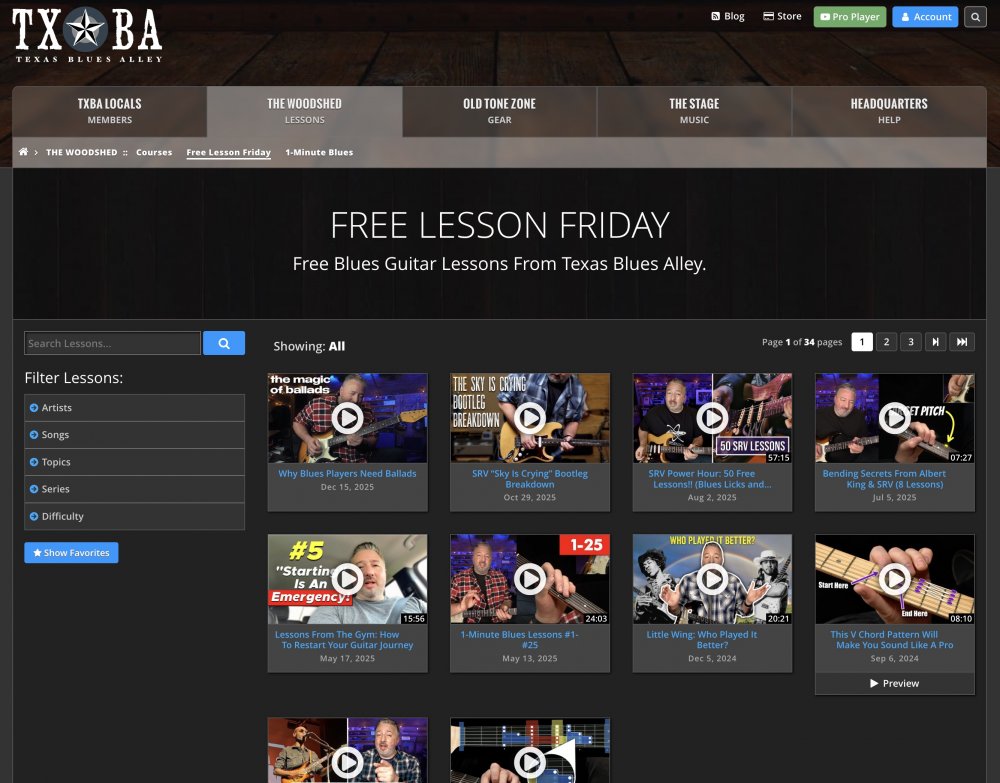
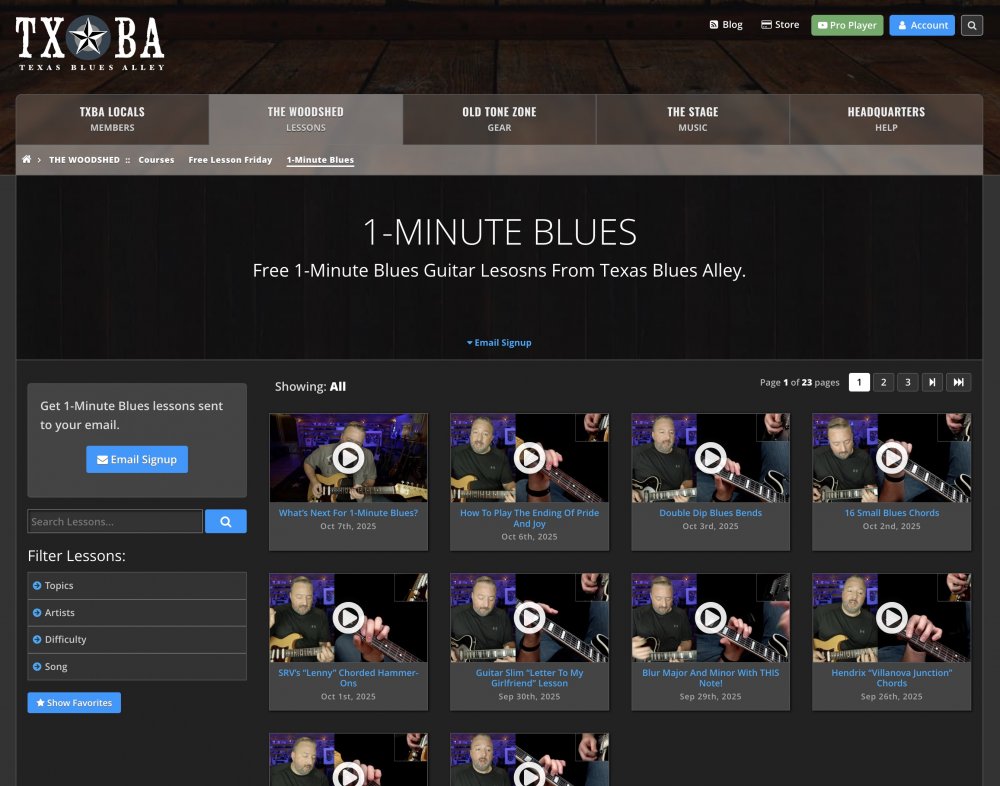
Inside The Woodshed, we have Courses, Free Lesson Friday, and 1-Minute Blues.
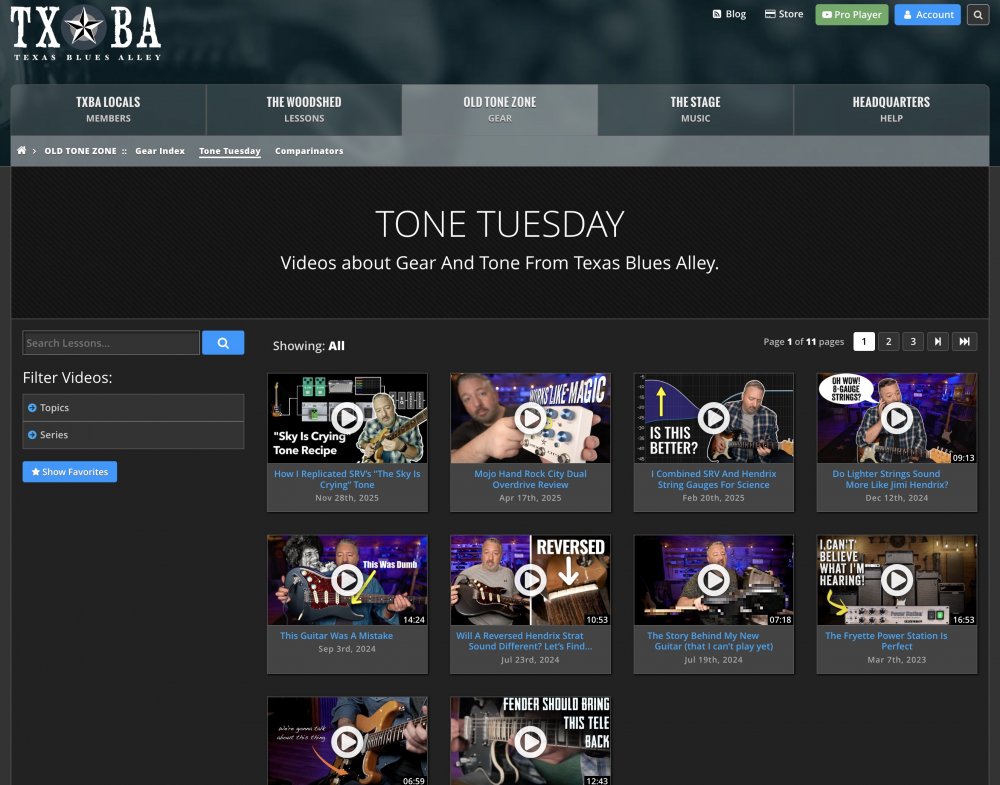
Inside Old Tone Zone, we have Tone Tuesday and the Gear Index.
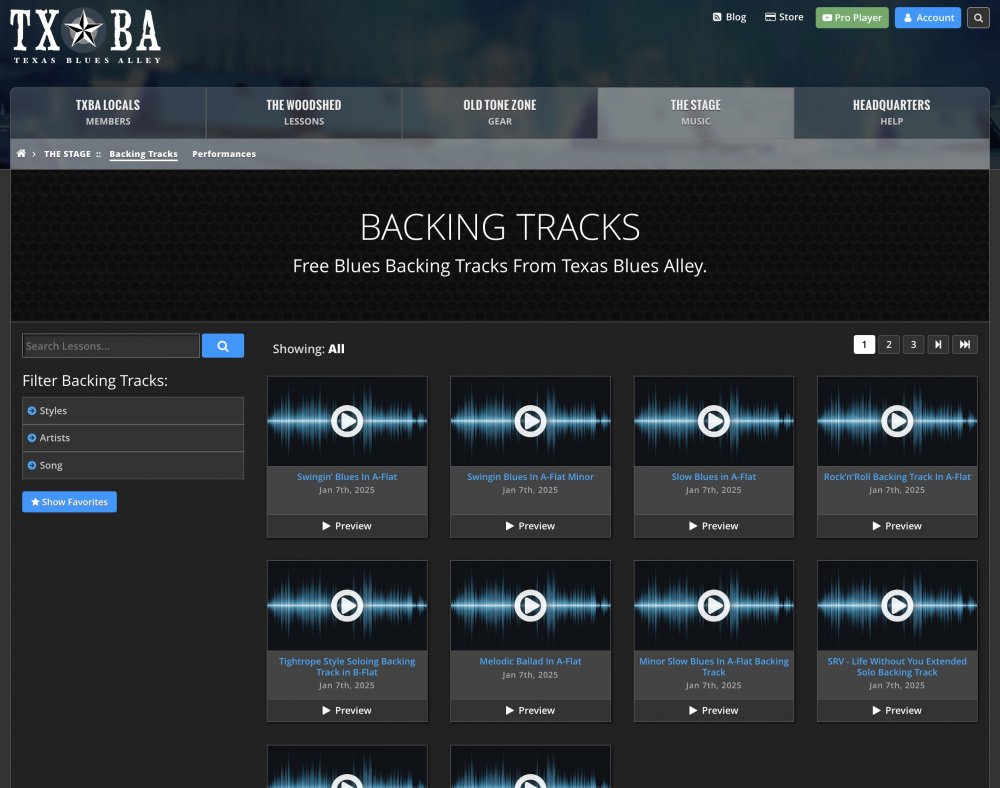
Inside The Stage, we have Backing Tracks and Performances.
Over the past 10 years, I've updated and tweaked the design of several of those sections, but I failed to keep them in sync. So, if you landed on a Free Lesson Friday page, the way you navigated to other lessons in the collection did not look the same as it did in another section (like Backing Tracks).
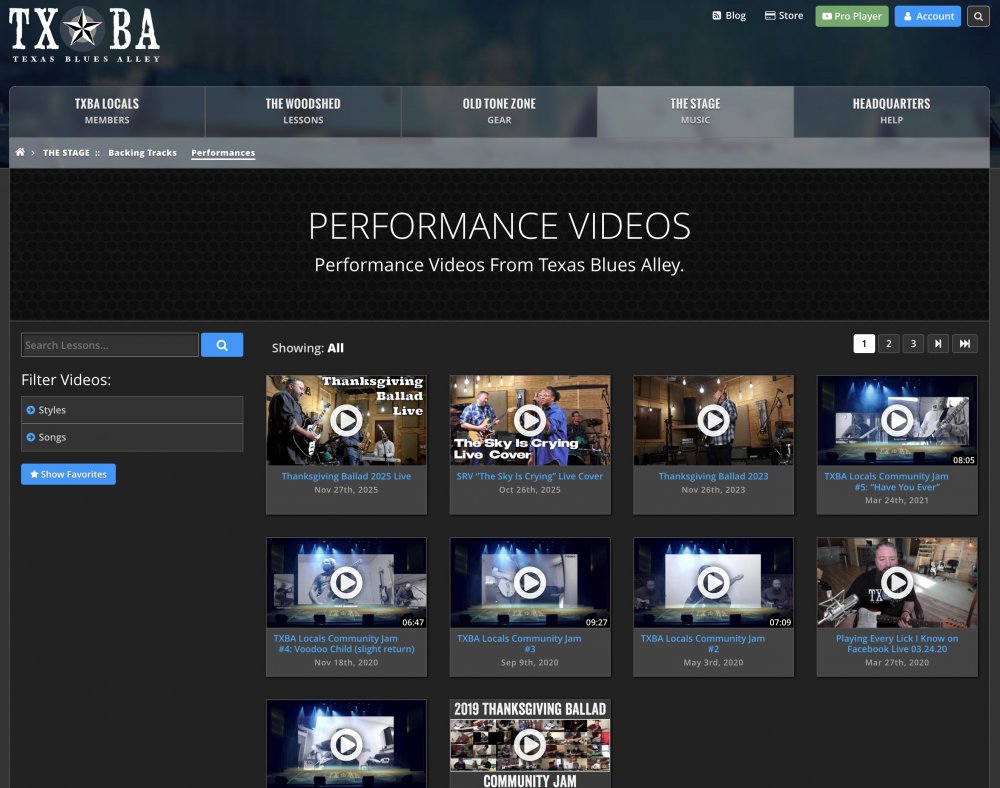
Today, I'm happy to show off a new design for content pages that is the same across Free Lesson Friday, 1-Minute Blues, Tone Tuesday, Backing Tracks, and Performance Videos.
Let's dive in..
Consistent Layout Across Sections
The new design starts at the top page of each section. No matter which section you're looking at, you'll now see the same controls for finding items in that section.
Search And Filters
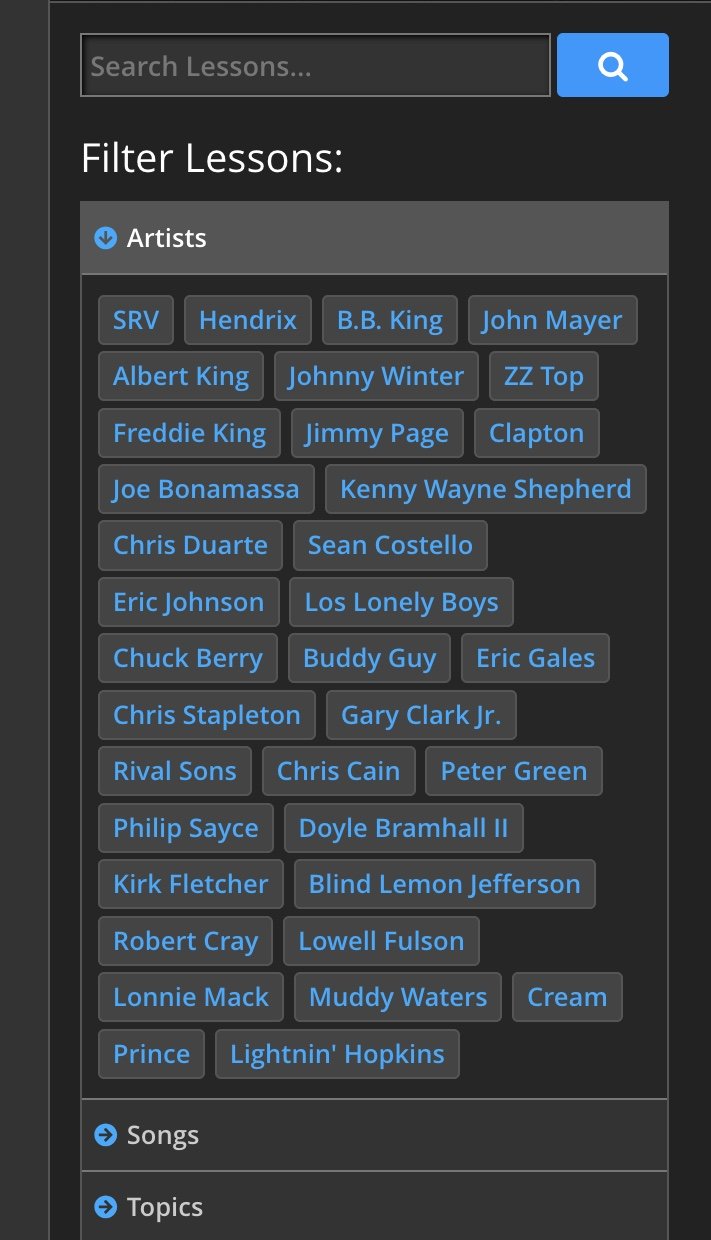
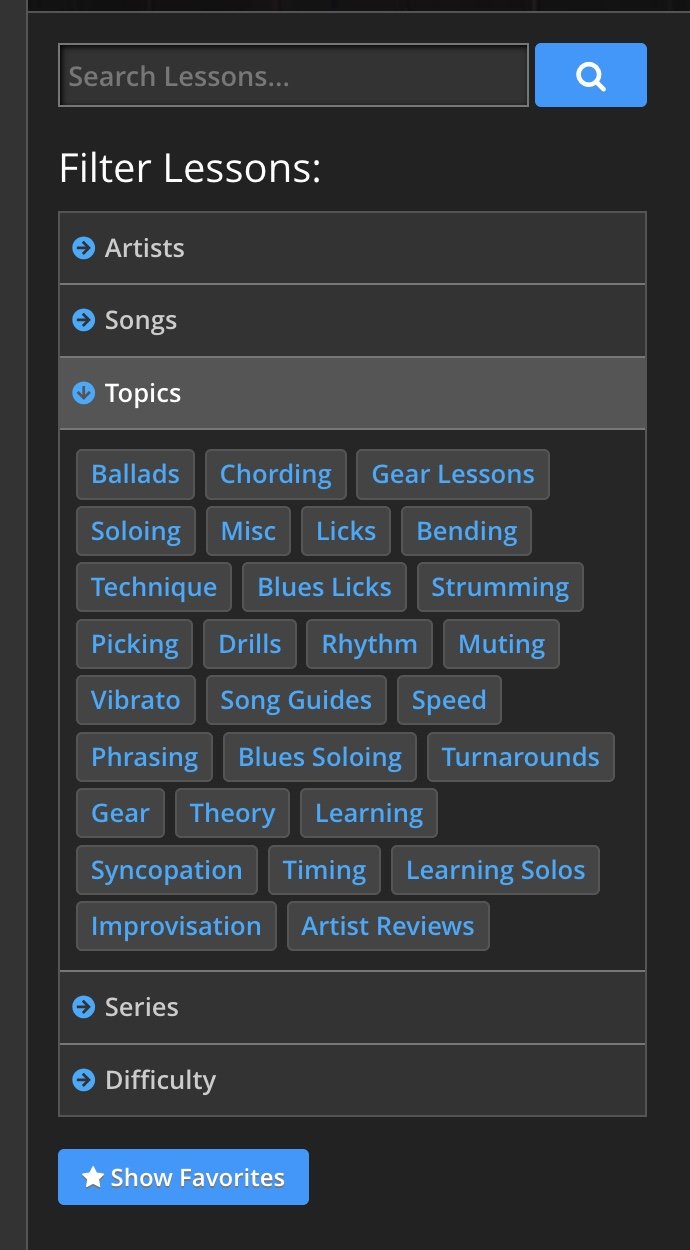
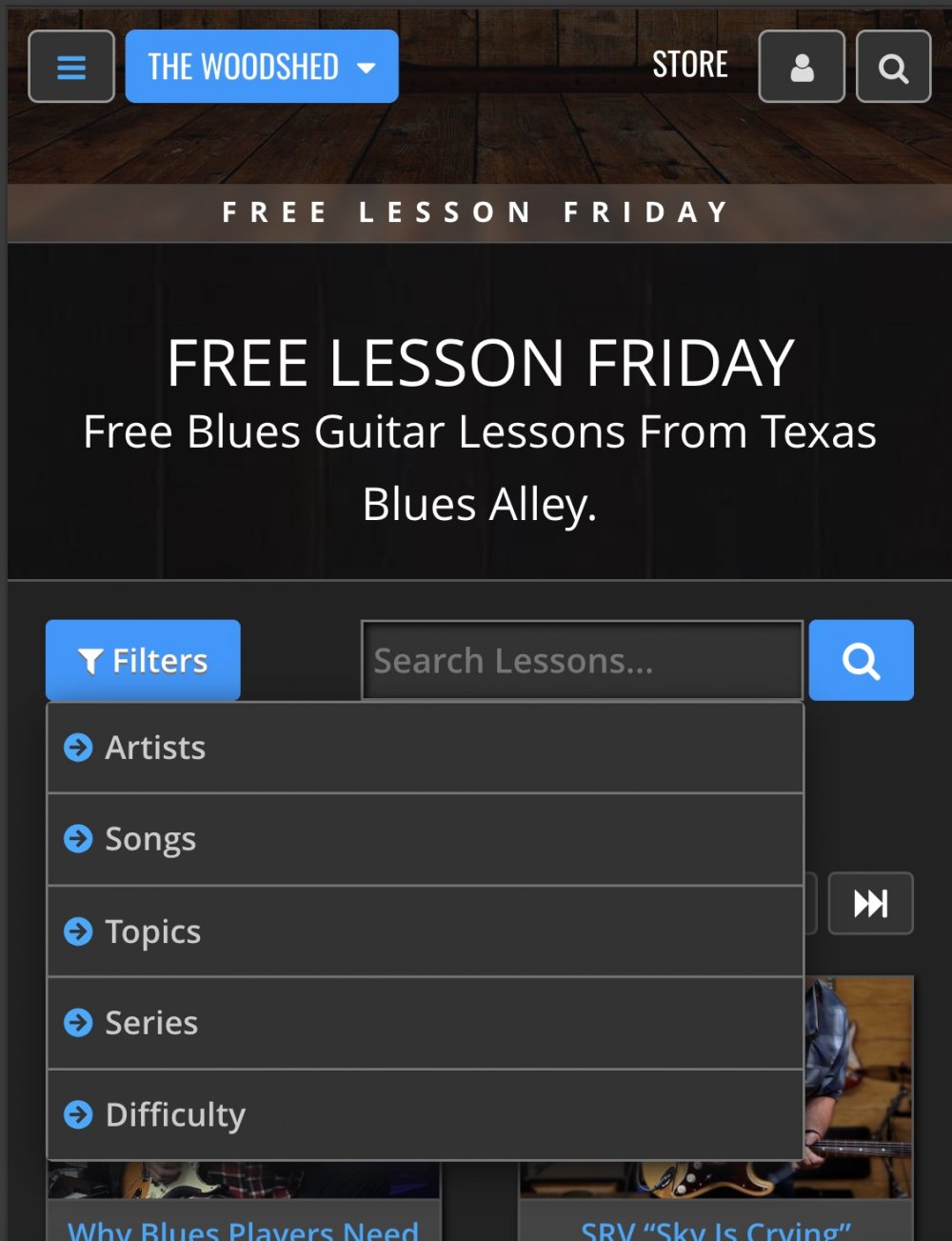
On large screens, the search and filtering controls are in the left column; on small screens, they are available via a dropdown at the top of the page.
Each section can be searched by using the search field or filtered by clicking on one of the tags in the tag lists.
Content Page Design
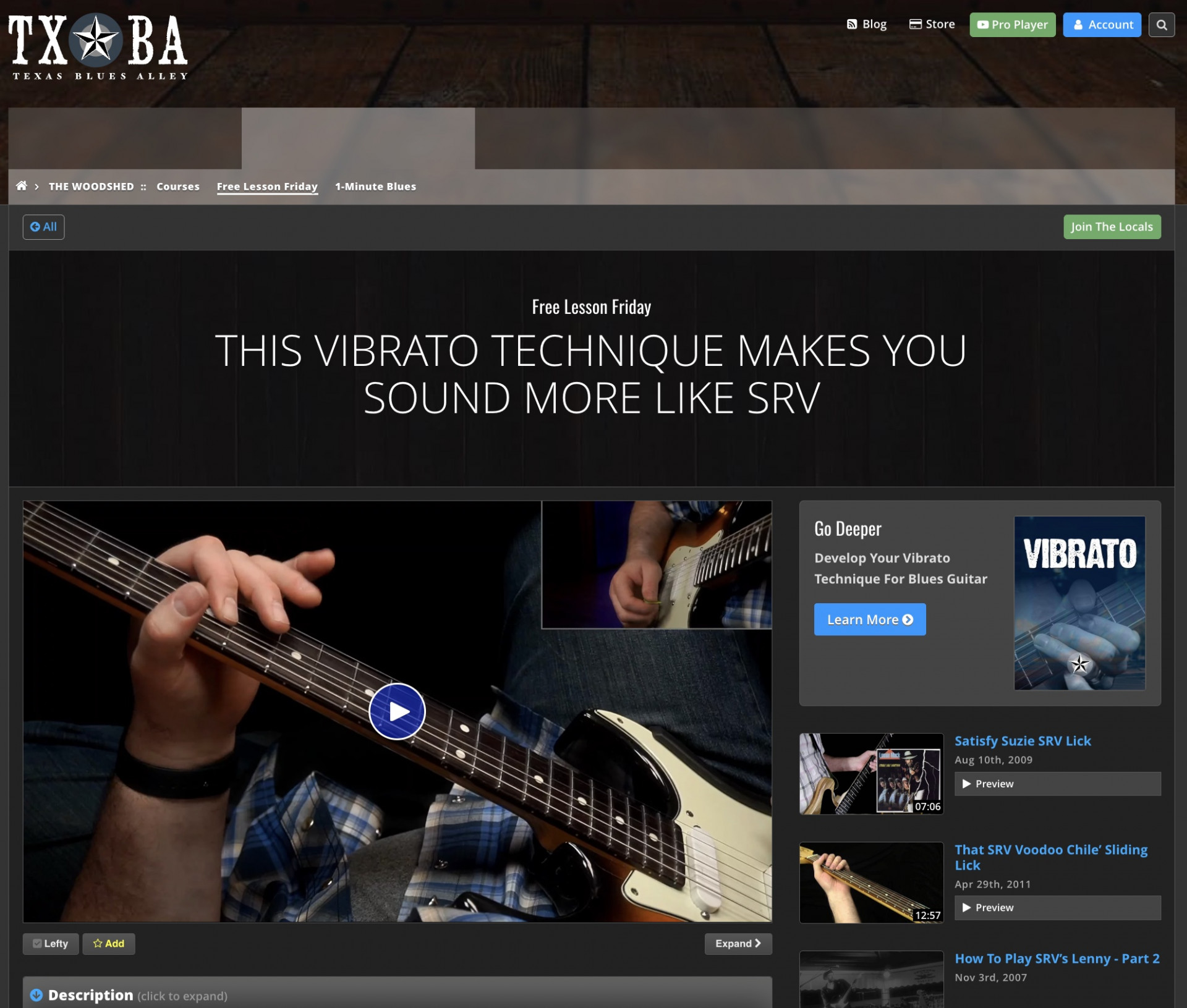
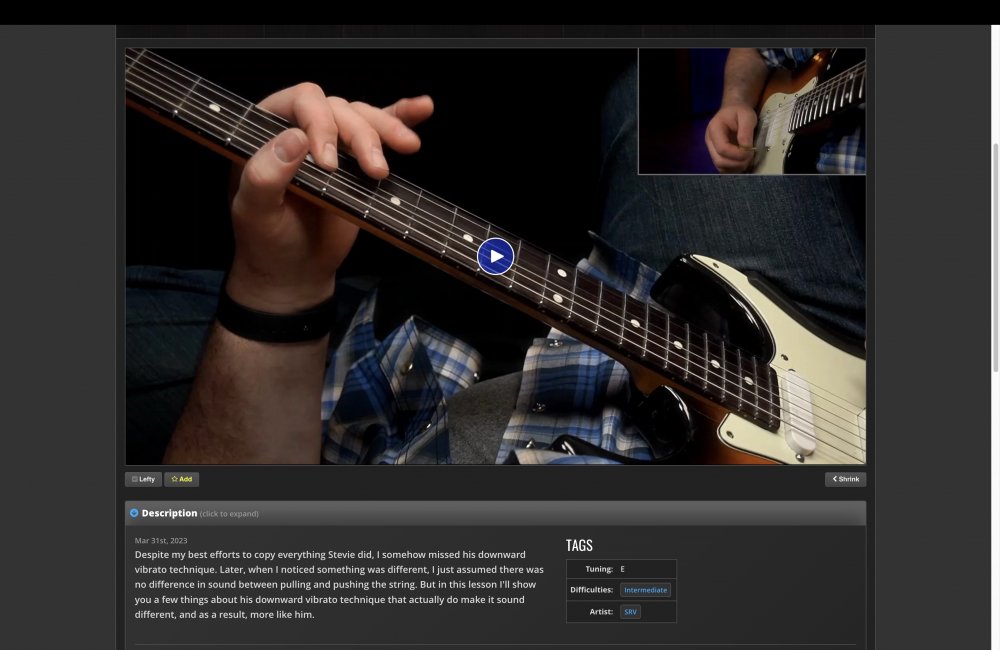
Content pages inside each section now have a consistent layout.
Let's go through the new elements of this page design.
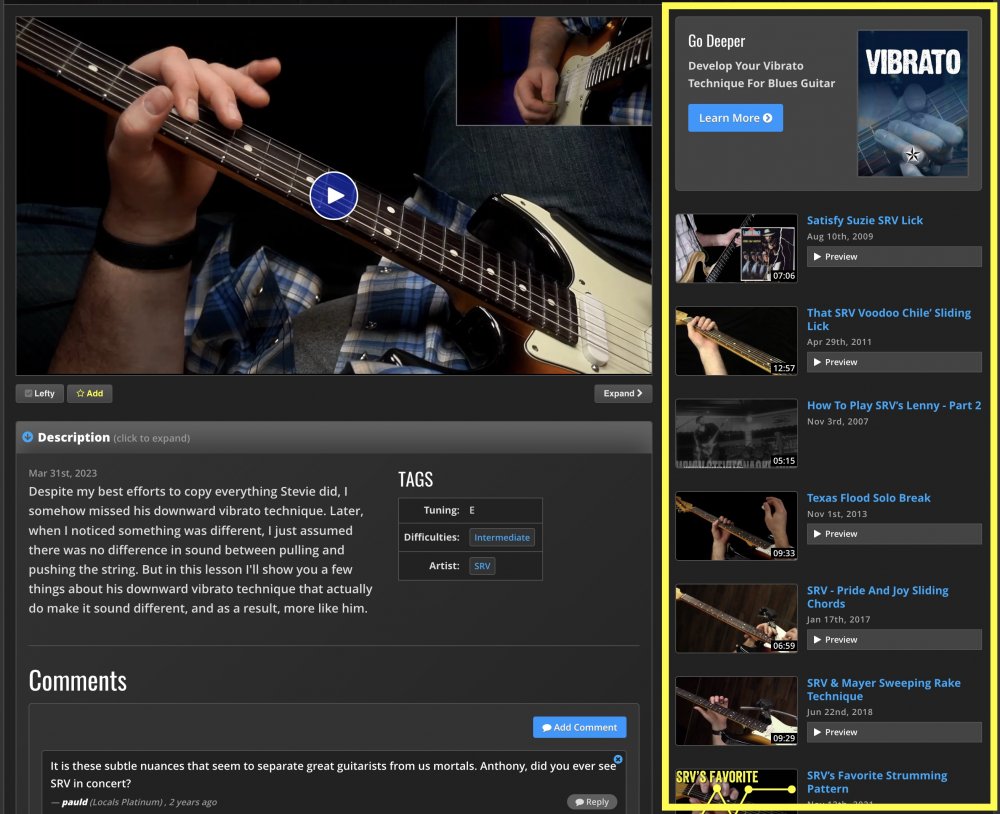
Related Items
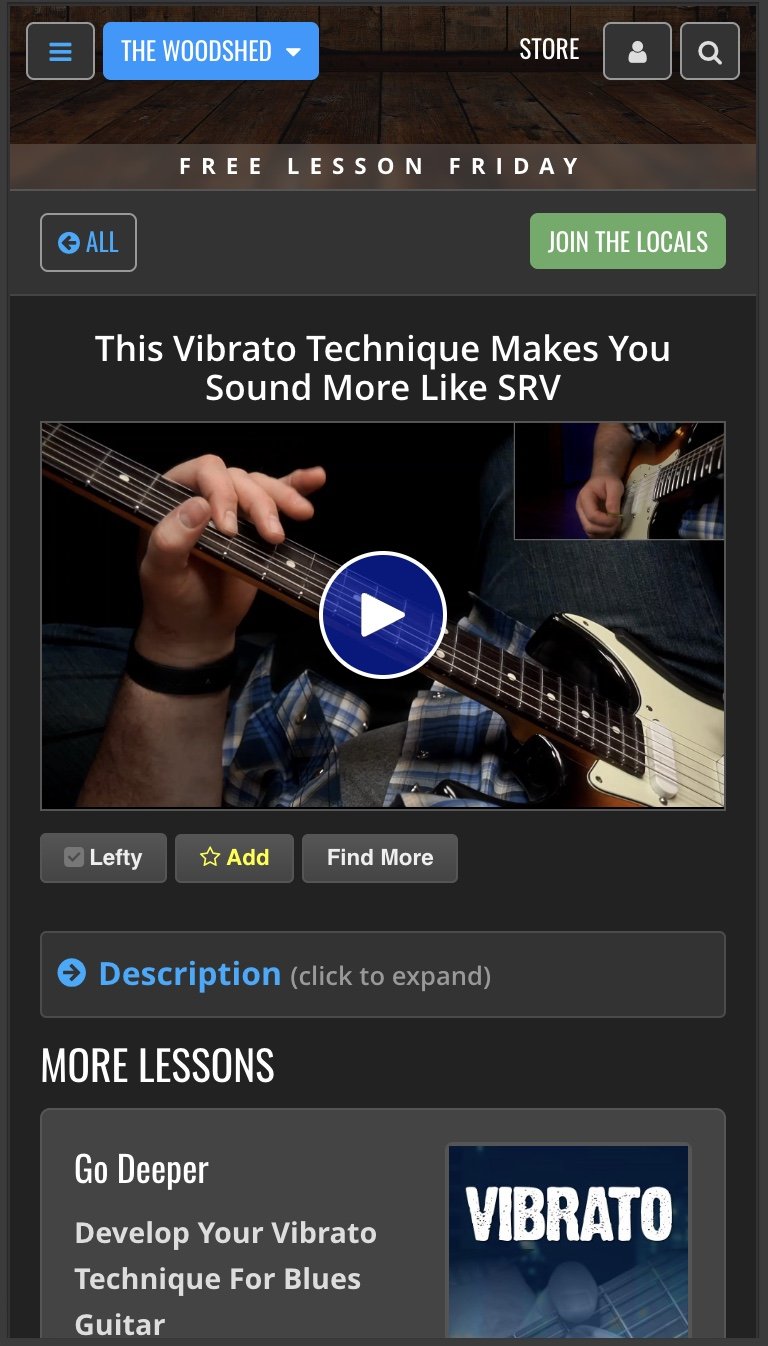
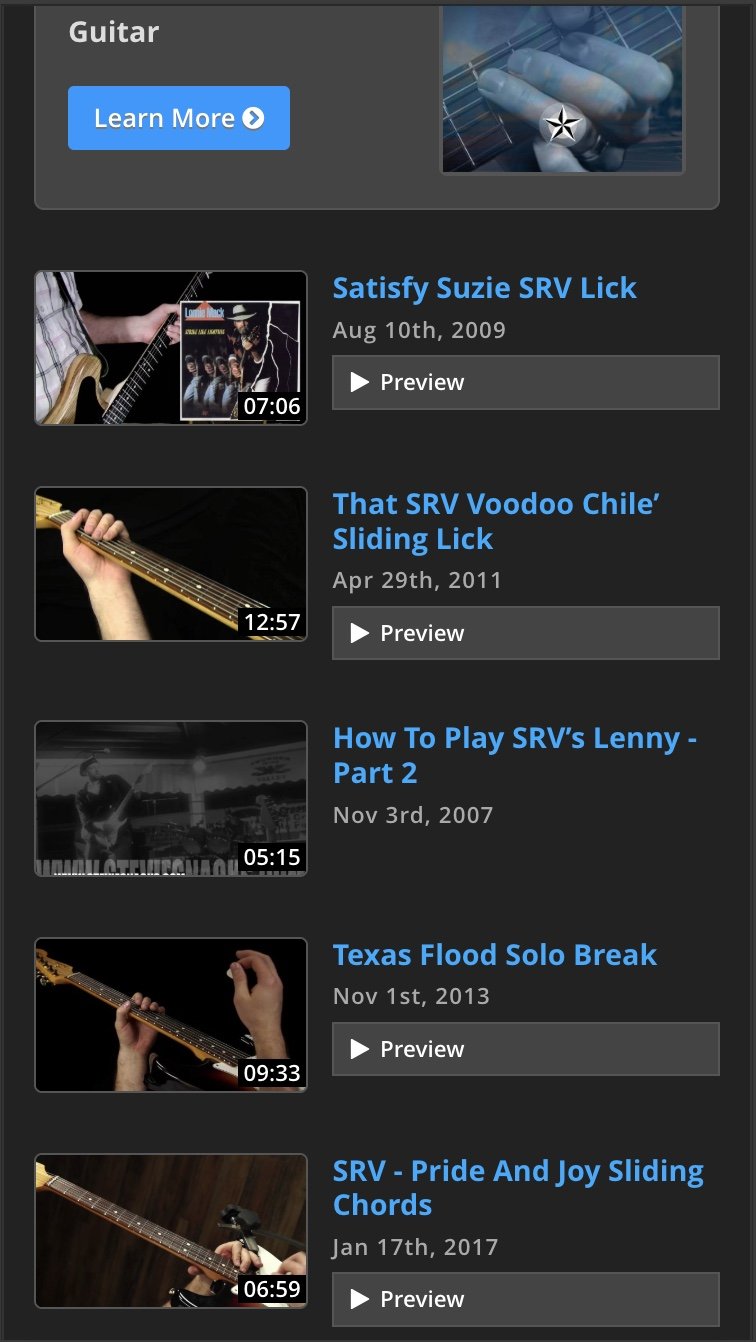
One of the biggest changes in this new content page design is how easy it is to find related items within the same section. On large screens, the list of related videos (or backing tracks) will appear conveniently in the right-hand column. While on mobile, the page title is much smaller, and the description is collapsed by default, making it easier to see that all you need to do is scroll down to see the list of related items.
Expanded Player Option
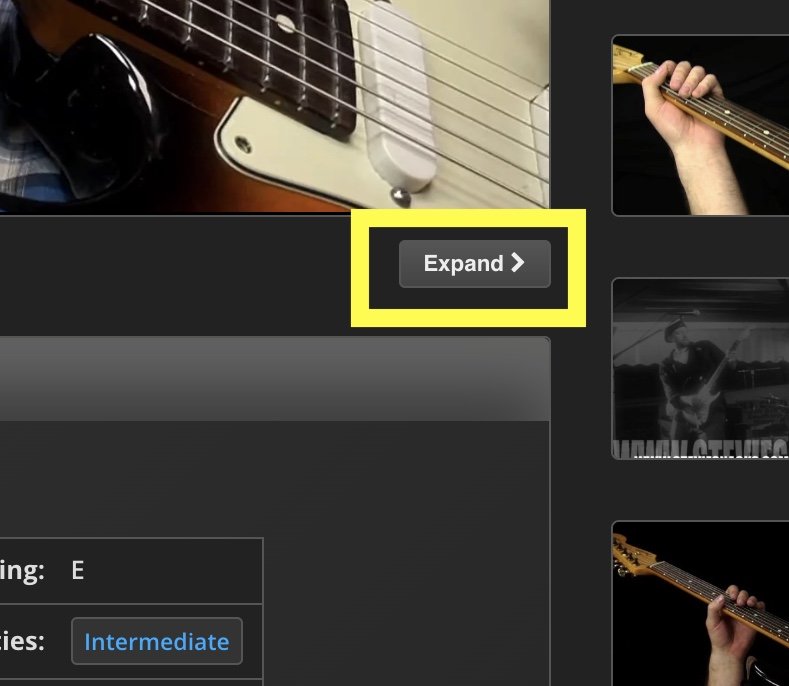
On larger screens, you'll now see a button below the video player that lets you expand the video to fill the page, moving the related items below the description. Once expanded, the button text changes to "Shrink"; clicking it again restores the player to its regular size.
Favorites
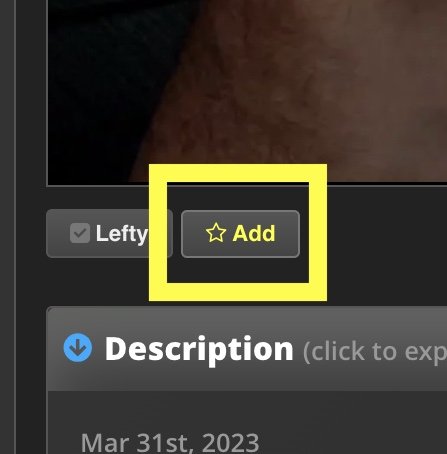
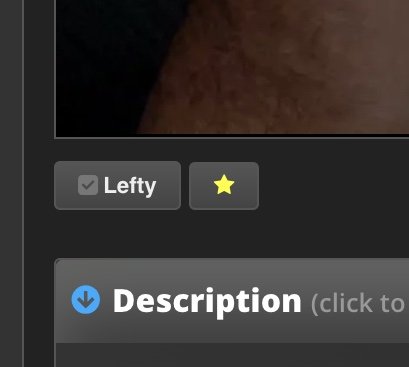
I can't believe it's taken me this long to do it, but you can now mark any videos or backing tracks as a "Favorite". Just look for the "Add" button right below the video player. (You have to be logged into your account to save favorites.) Click the Add button to add the video you're currently watching to your favorites. If you want to remove it from your favorites, click it again.
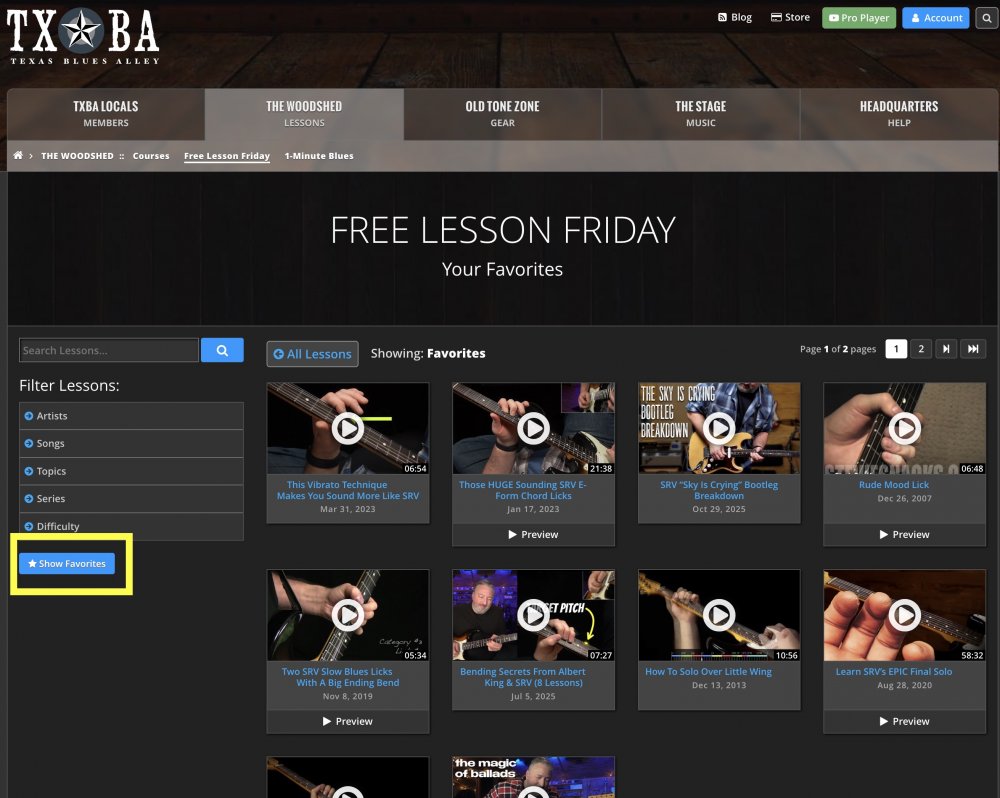
When you want to see your list of favorites in that section, just go back to the main page and click the "Favorites" button under the filters. You'll be shown all your favorite items from that section.
I Want You To Enjoy It Here
I'm thankful for every person who watches my videos on social media, but I'm especially thankful for the people who make the effort to come to the website consistently. I want them to have a great experience here, and I hope the changes I've made across these different sections of content will make it easier to discover the videos and backing tracks that help you improve.
None of this free content would be possible without the support of the loyal customers who buy my course, and the TXBA Locals who invest in our membership program.
My hope is that if you love what you see in the free lessons, you'll consider buying one of my many courses, or joining the TXBA Locals for the best learning experience possible.
Take care,
Anthony